Reuse a device or start over
Three situations, each with one fix.
Setup went wrong, same device
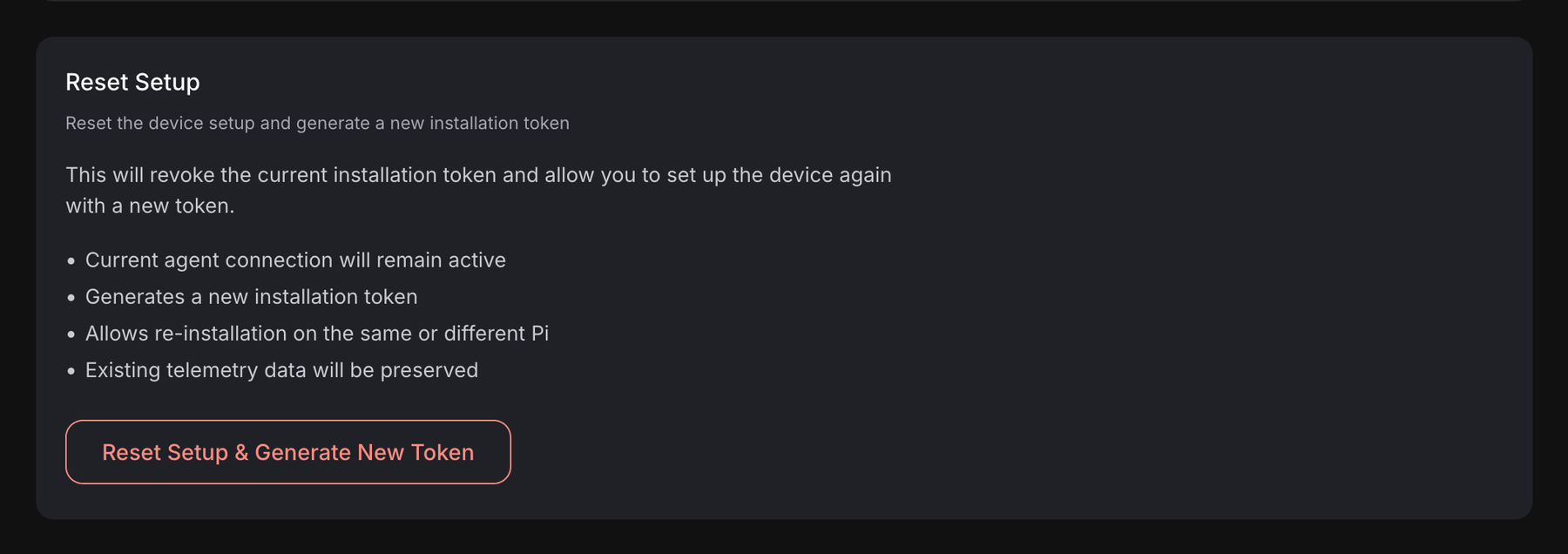
Open the device's Settings tab (advanced view) and click Reset Setup & Generate New Token. The old install code stops working and the wizard gives you a new one. The device entry stays, with its connection and its telemetry. Then go through the SD card or the command again.
Used hardware, new device entry
You have a Pi or a PC that already ran Obacht, and you are adding it as a new device in your account. Before you run the new install command, remove the old identity on the device. In a terminal on it:
sudo systemctl stop obacht-agent
sudo rm -f /var/lib/obacht/agent-v2.db /var/lib/obacht/agent-v2.db-wal /var/lib/obacht/agent-v2.db-shm
Then run the new command. If you skip this, the agent finds its old identity in that database and connects as the old device, or fails to connect at all.
That database holds the settings and secrets of the apps on the device. Removing it means starting from scratch with them. Export anything you want to keep first.
The cleanest way for a Pi is to flash the SD card again.
Same command, second time
Running a device's own install command a second time on the same device is safe. It upgrades the agent in place and keeps everything else. Do this when the first run stopped halfway.
Next
Install an app once the device is online again. If it never comes back: Device shows offline.