How web addresses work
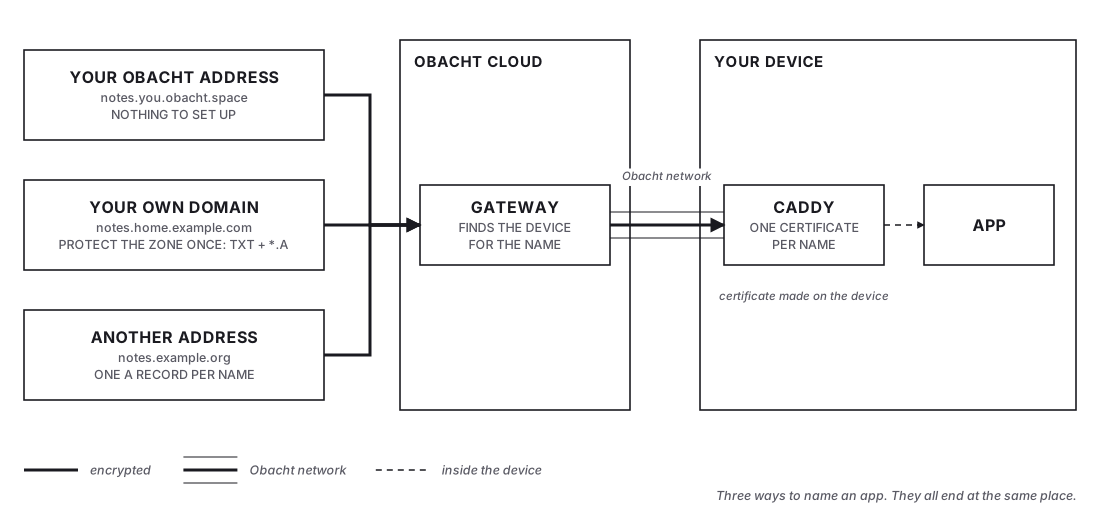
Every app on your device can have a web address (a domain name such as notes.example.com) that works from anywhere, without opening ports on your router. Visitors come in through the Obacht network and your device answers. The certificate that makes the address https:// is made on your device too.
Three kinds at a glance
| Kind | Looks like | Setup | Best for |
|---|---|---|---|
| Your Obacht address | <app>.<you>.obacht.space | None | Getting started, anything you do not need a custom name for |
| Your own domain | <app>.example.com | Two DNS records, once | Several apps under a domain you own |
| Another address | app.example.org | One DNS record per address | A single name, or a name someone else gave you |
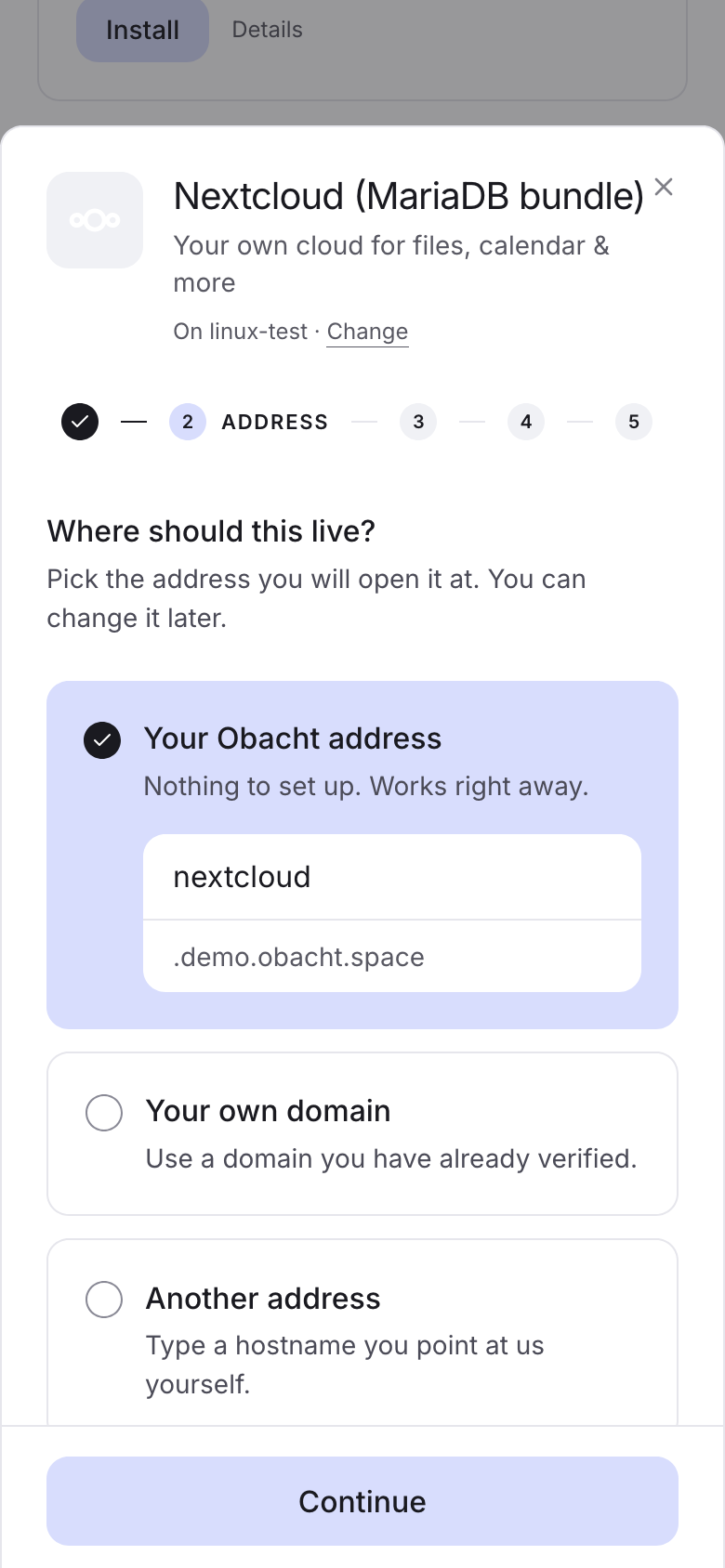
Your Obacht address
<app>.<you>.obacht.space. The you part is your username, fixed when you created your account. It is the default in the install sheet: "Nothing to set up. Works right away." Every app you install gets its own name in front. Names under your username belong to your account alone, no other account can claim them.
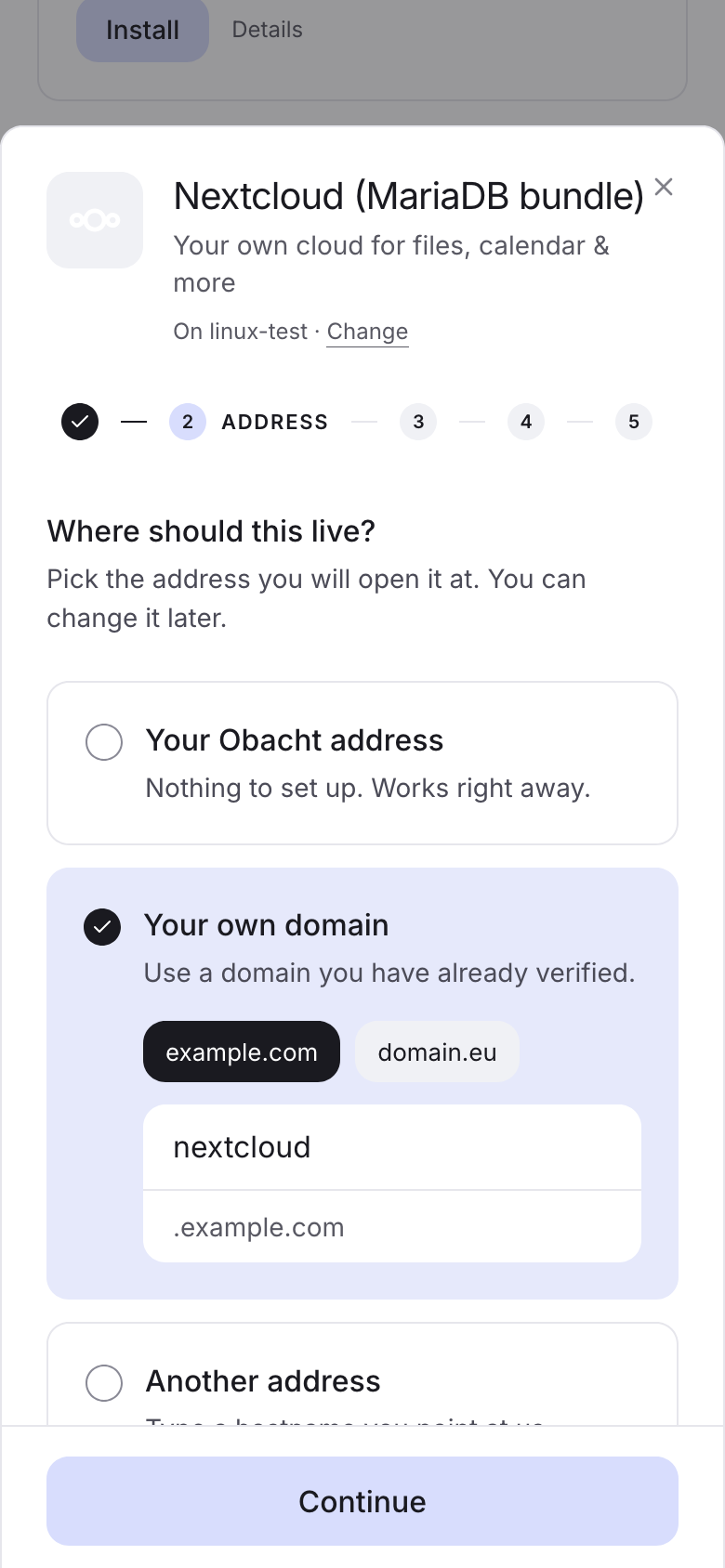
Your own domain
You own example.com. You prove it once by adding two records at your registrar (the company you bought the domain from). From then on every name under it is yours to use, with no DNS work per app. Obacht calls this a protected zone, because nobody else can claim names under it. See Use your own domain.
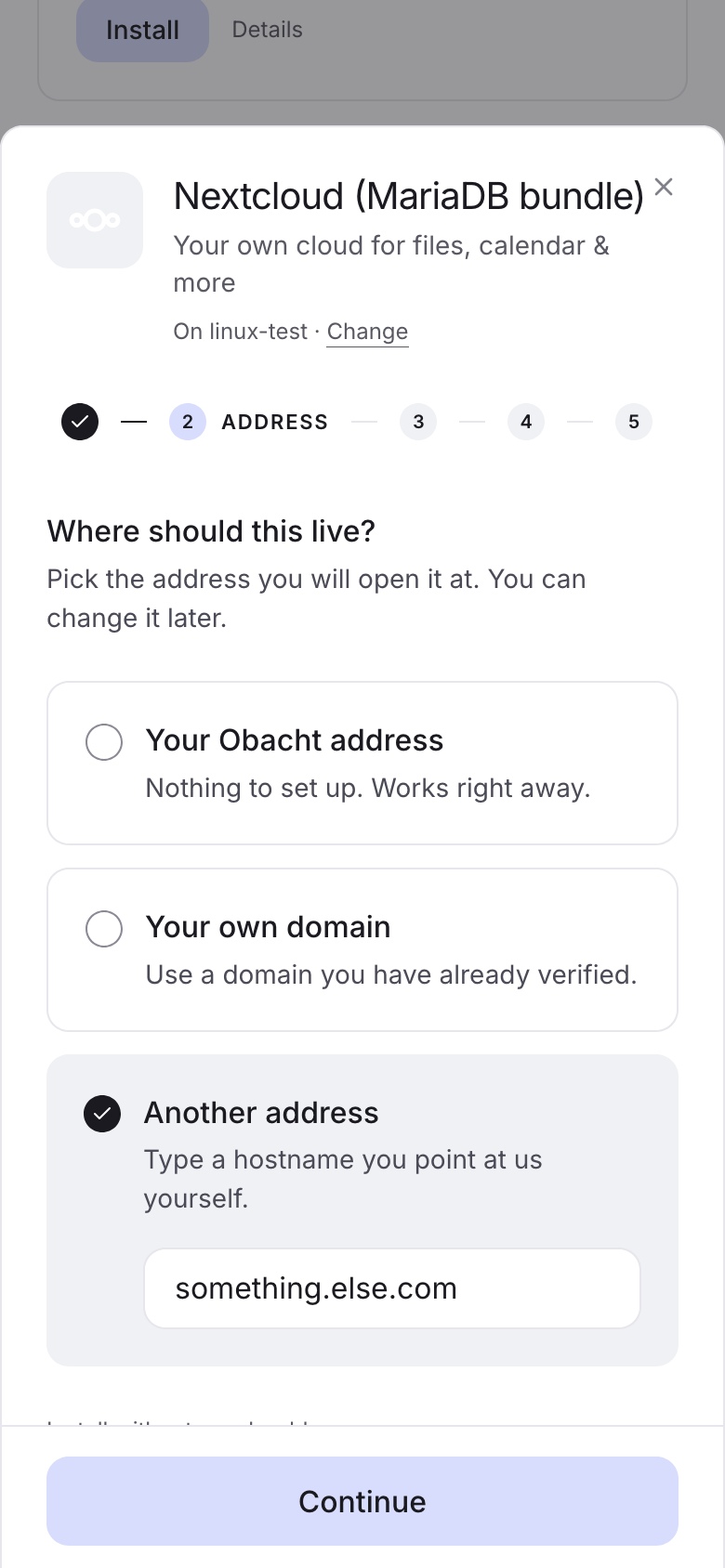
Another address
One single name, pointed at Obacht with one DNS record (an A record, which tells the internet which server answers for a name). Good when you want one app under a domain, or when the domain belongs to someone who gives you just one name. See Point one domain at a device.
What happens when you add an address
- Your device claims the name with the Obacht gateway. The claim is signed with your device key.
- The gateway checks that the name resolves to it and that nobody else holds the name.
- Your device requests a certificate from Let's Encrypt and keeps it. Obacht never has the private part of it. Until the certificate is there the app page says "This address is still being set up".
- Visitors reach the gateway, the gateway passes them through the Obacht network to your device, and your device answers. Obacht only sees encrypted traffic passing through. More in How Obacht connects your device.
Rules
- First come, first served. Outside protected zones, any account can claim any name nobody holds. Protecting a zone is what stops that for your domain.
- An address points at one app, or at a port on the device. See Point an address at a port.
- Each address gets its own certificate, even inside a protected zone.
- After an install the Ready step shows a QR code, so you can open the new address on your phone right away.
- Removing an app's address or the device frees the name for everyone. See Remove an address.
Next: Use your own domain.